MetaTrader
MT4 Candlestick Indicators: A Safety Guide
Evaluate MT4 candlestick pattern indicators by their definitions, closed-bar alerts and installation permissions, without trusting arrows as signals.
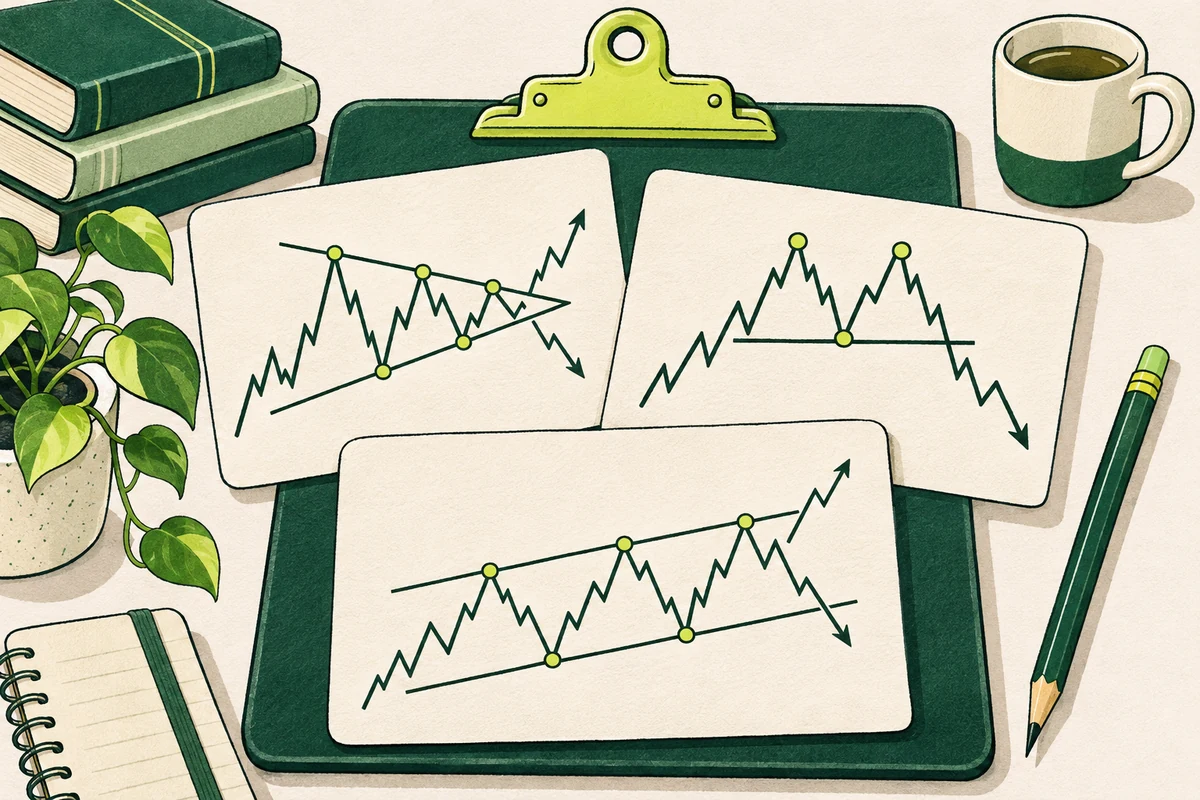
An MT4 candlestick indicator labels price shapes according to programmed rules; it does not know whether the next move will be profitable. Start with documented pattern definitions and verify that historical labels match what was visible when each candle closed.
Treat the label as a measurement
Two indicators may disagree because one defines a long shadow as twice the body and another uses three times the body. Some also require a preceding trend, while others mark every matching silhouette. Ask for the exact body, shadow, containment and trend conditions. A bearish harami based on body containment is different from an inside bar based on the full range. If the developer cannot explain what causes a marker, you cannot reproduce its results or determine whether a change is a bug, a setting difference or an intentional revision.
Check candle and quote assumptions
Broker server time affects daily and four-hour candle boundaries, while different dealer feeds can produce different highs and lows. A pattern at one broker may not exist on another chart. Candles in retail forex commonly reflect Bid quotes, so their visual highs do not show the Ask price relevant to closing a short. Keep the symbol, feed, timeframe and time zone in the record. Review candlestick chart mechanics before comparing screenshots. Pattern counts are not directly comparable unless the underlying bars and definitions are comparable too.
For a practical comparison, export the OHLC values for a disputed bar from each feed. Recalculate the body and shadows independently. This often resolves a labeling disagreement more clearly than comparing screenshots with different zoom levels or chart colors.
Install indicators without trading privileges
Use the desktop terminal's File, Open Data Folder command and open MQL4, Indicators. Place the verified indicator file there, compile MQ4 source if supplied and refresh Navigator or restart MT4. Attach it to a demo chart and inspect its inputs. EX4 is compiled code; its presence alone does not establish trust. A simple chart-labeling indicator should not require permission to manage orders. Reject unexplained requests for account credentials, remote access or DLL imports. This page provides no download and does not verify any third-party scanner, paid package or binary.
Test a numerical pattern threshold
Imagine an indicator defines a hammer-like shape as an eight-pip body with a lower shadow at least twice as long. A 17-pip lower shadow qualifies; a 15-pip shadow does not. If the current candle's close moves by three pips, both the body and shadow ratios can change, removing the label before the bar ends. This is ordinary live-bar updating, not necessarily deceptive repainting. Record alerts at closed-bar time and compare them later. For a specific long-upper-shadow example, see the inverted hammer guide and its contextual requirements.
Investigate disappearing historical markers
A marker that is removed from an already closed candle may indicate future-data dependence, changing pivot rules or a recalculation issue. Save time-stamped screenshots, restart the platform and compare the same historical region after new bars arrive. Multi-timeframe scanners can change lower-chart markings until their source higher-timeframe candle closes. Ask which candle's timestamp the alert refers to and whether alerts are duplicated on every tick. Notifications should say what was observed and when, rather than imply an instruction to trade. Delayed or missing notifications are an operational risk even when the pattern calculation is correct.
Separate detection from a trading hypothesis
Suppose 200 qualifying candles are found. That count says nothing about returns until an entry, stop, exit and cost model are specified. Entering at the next bar's open differs from placing a stop order above the pattern high, and some stop orders will never trigger. Record those non-fills rather than awarding them the later favorable move. Compare outcomes with a simple baseline from the same session and volatility environment. A visually accurate detector can still have no economic value. Its legitimate purpose may be saving research time rather than improving performance.
Approve a scanner with a narrow checklist
Confirm the definitions, source timeframe, closed-bar option, alert timing and maximum history scanned. Manually inspect a sample of marked and unmarked candles, including near-threshold cases and weekends. Observe terminal responsiveness and ensure the indicator does not alter orders or require unsafe permissions. Keep versioned settings so a later update cannot silently change your research sample. Log results in a trading journal, including false positives and missed detections. Demo practice can reveal implementation problems, but it cannot establish future profitability or remove leveraged forex risk.
Put this guide in context
Use the metatrader library to place this topic in a wider learning plan. Compare it with MT4 Trading Session Indicators: A Safe Guide before deciding what to practise.
For the next part of your review, read Support and Resistance Indicators: MT4 Checks. Keep your assumptions in a trading journal; related explanations are not proof that a setup will work.
To explore the neighbouring questions, compare Pivot Point Indicator MT4: Formulas and Setup and MetaTrader 4 Android: Setup and Safety Checks. Use these as learning references, not as confirmation that any individual trade is justified.
Sources and further checking
- StockCharts ChartSchool: Candlestick Pattern Dictionary
- MetaTrader 4 official platform help
- MQL4 official reference
- CFTC: Eight Things You Should Know Before Trading Forex
Primary sources support factual checking; they do not endorse this publication. Examples are educational, not trade recommendations.