Trading methods
Computer-Assisted Trading: Uses and Limits
Understand computer-assisted trading with alerts, sizing tools and automation, plus checks for data leakage, permissions and execution failures.
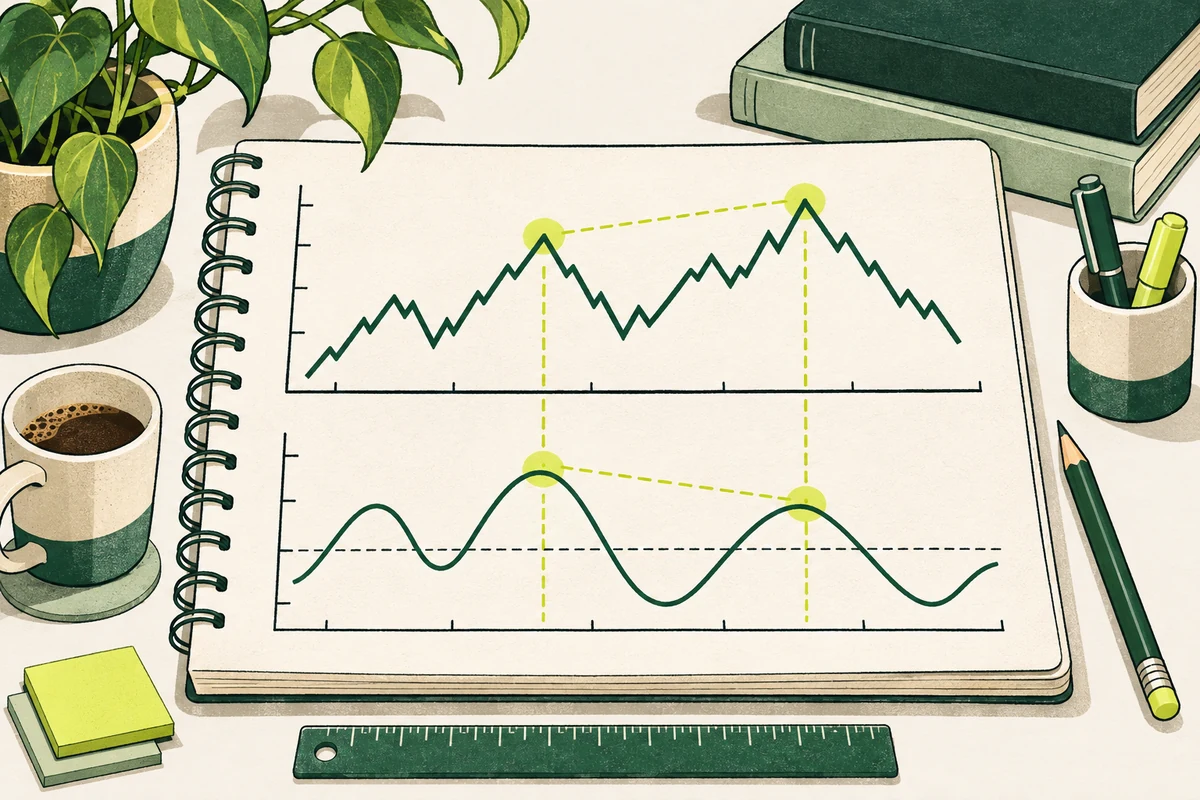
Computer-assisted trading uses software to support tasks such as scanning, calculations, alerts and order management. It can improve consistency and speed, but it can also automate mistakes; no tool, including an AI model, removes market risk or establishes an edge by itself.
Separate assistance from delegated control
A spreadsheet calculating pip exposure is different from an alert that suggests a setup, and both differ from software authorized to place orders. Map each tool to the decision it influences and the permission it needs. Keep human review where the logic is uncertain or financial consequences are material. A claim that trading will inevitably become fully automated is not evidence that a particular product is useful. Start with a task you can verify manually. The money-management guide provides a suitable example: a calculator can support arithmetic, but someone still must select a defensible risk budget and invalidation rule.
Define a maximum age for each input. A price fetched several minutes ago may be acceptable for a post-session report but unsuitable for a proposed order. Display timestamps next to calculated values and prevent execution when freshness cannot be verified. A tool that fails visibly and refuses to act is often safer than one that continues using an apparently reasonable stale value.
Validate inputs and calculations
Check symbol contract size, tick value, account currency, price precision and lot increments. A correct formula using the wrong contract specification can produce a dangerously wrong order size. Suppose a hypothetical tool divides a $30 risk allowance by a 30-pip stop and returns $1 per pip. That intermediate answer is not yet a universal lot size: conversion depends on the instrument and account currency. Test the tool against known examples, including zero stop distance, missing prices and unsupported symbols. Fail closed when data is invalid rather than quietly using a default that could send an oversized order.
Understand backtest and AI failure modes
Software can search many parameter combinations faster than a person, making overfitting easier. A model may accidentally use future information, revised economic data or a completed candle value that was unavailable at entry. An AI-generated explanation can sound plausible while misstating a platform feature or inventing a source. Require a reproducible input, rule version and output record. Keep an untouched validation period and compare with simple baselines. The manual backtesting guide remains useful as an independent spot check, because automation does not eliminate the need to reconstruct what was known at the decision time.
Plan for execution and infrastructure failures
A signal can be correct under its definition while an order is rejected, duplicated or delayed. Define behavior after disconnection, restart, stale quotes, a widened spread and a partial or unexpected fill where applicable. A local terminal must remain functional if the program depends on it; do not assume a chart-side trailing function operates while that terminal is offline. Reconcile actual account state before retrying an instruction. Maintain a documented manual shutdown procedure and understand which protective orders reside with the broker. Claims such as set and forget are especially weak when they omit these operational dependencies.
Limit software and credential exposure
Obtain platform software from the official vendor or a verified broker and avoid third-party binary mirrors. Review the source or trusted documentation for any script, indicator or expert adviser before granting permissions. A chart overlay should not need a withdrawal-capable API key or remote access to your computer. Store secrets outside chat prompts and screenshots. The MT4 indicator safety guide describes cautious installation checks, but demo accounts do not protect the operating system from malicious code. Keep backups, update trusted software and revoke permissions when a tool is no longer needed.
Adopt tools with a staged checklist
First verify the task manually, then run the tool in observation-only mode, then test its failure handling in demo. Compare expected and actual behavior across ordinary and abnormal conditions. Log data timestamps, calculations, alerts, proposed orders and actual acknowledgments. Do not advance merely because a short simulation made money; assess correctness and failure containment separately from returns. The journal guide helps preserve that audit trail. It is reasonable to use software only for organization and calculations, or not to trade at all. Faster execution and sophisticated interfaces do not reduce the fundamental financial risks of leveraged forex.
Put this guide in context
Use the trading methods library to place this topic in a wider learning plan. Compare it with Bearish RSI Divergence: Rules and Limits before deciding what to practise.
For the next part of your review, read High Wave Candlestick: Meaning and Limits. Keep your assumptions in a trading journal; related explanations are not proof that a setup will work.
To explore the neighbouring questions, compare Cypher Pattern: Ratios and Testing Limits and Why Develop a Trading Plan?. Use these as learning references, not as confirmation that any individual trade is justified.
Sources and further checking
Primary sources support factual checking; they do not endorse this publication. Examples are educational, not trade recommendations.